
Smartphone Video Courses
2 Hours to 2 DaysBeginner & IntermediateOn-site or Online
Plan it, film it, edit it, on the phone already in your pocket.
You do not need a studio, a crew or new gear. Our smartphone video courses teach your people to plan, film and edit their own video on the phones they already carry, and to keep doing it after we leave. Everyone films and edits something real during the session.
Your trainer is founder Suzie Cray, with 35 years in media behind her and more than 2,500 people trained. She is based in Cairns, Far North Queensland, and comes to you.
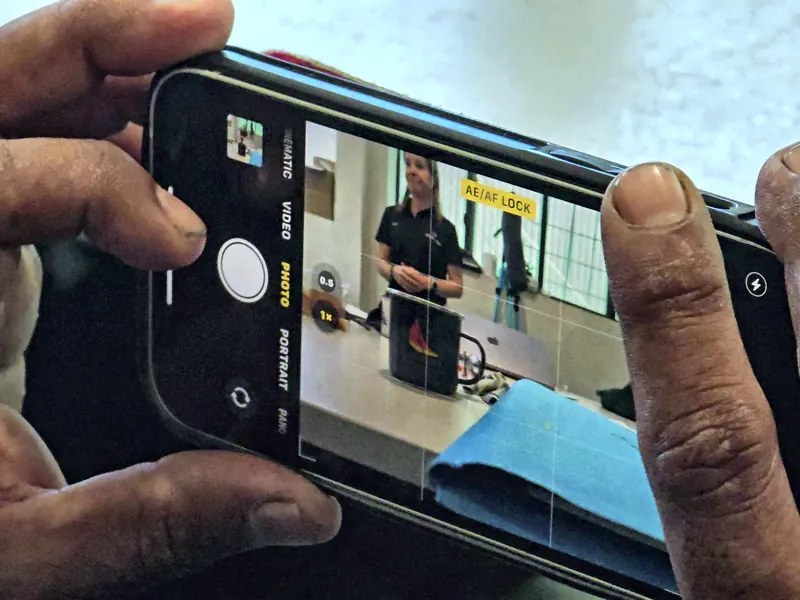
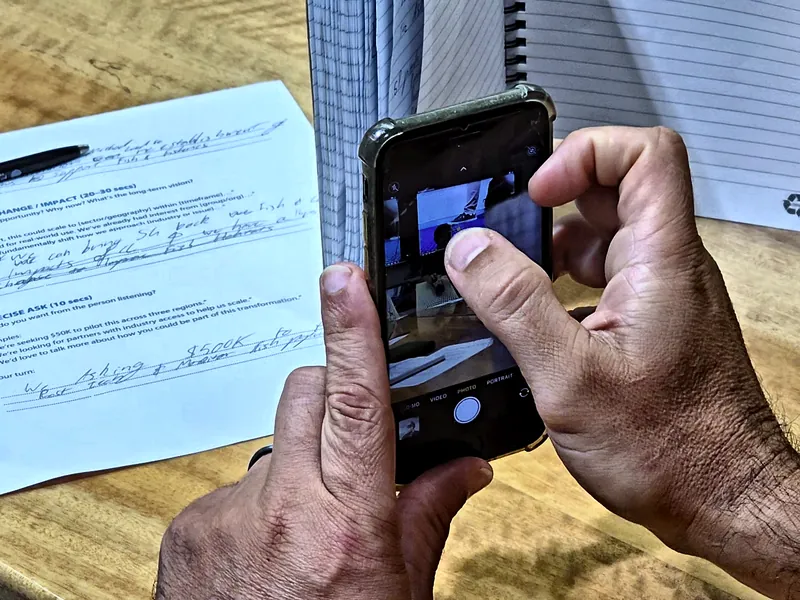
Pick the length that suits your group
Every length is hands-on from start to finish. The difference is how far we go. Not sure which one? Tell us about your group, or ring Suzie on 0413 301 079, and we will suggest one.
2 to 3 hours
Short workshop
A focused session for a community program, library, council or team, often run through a program or grant you already have.
Suits
Groups who want to film and share something simple, and do it well.
You leave with
A short video filmed and edited on your own phone, and the few settings and habits that make the biggest difference.
1 day
One day course
The whole process in one day: planning, filming, editing and publishing.
Suits
Teams who need regular video for social media, a website or internal updates.
You leave with
A finished video each person made on the day, and a planning template to reuse for every video after it.
2 days
Two day course
The same process over two days, so there is more time on every step and more time to practise.
Suits
Organisations bringing video in-house: councils, land councils, ranger groups, emergency services and communications teams.
You leave with
A finished piece of content from each person, a shot list and planning template your team can reuse, and the confidence to film and edit without help.
Every course can be built around your own project, so the video you make on the day is one you actually need.
What we cover
Seven steps from first idea to published video. Every course is shaped around your group, so treat this as a starting point.
- Plan your story. Who it is for, what you want them to do next, and a simple shot list before anyone presses record.
- Set up your phone. Settings that suit the edit later, locking focus and exposure, and keeping the shot steady.
- Gear, or not. The one or two things worth buying, starting with a microphone, and what can wait.
- Light and sound. Using the window you already have, and protecting your audio, because people forgive a soft picture long before they forgive bad sound.
- On camera. Settling the nerves, talking to one person rather than an audience, and asking questions that get real answers from someone else.
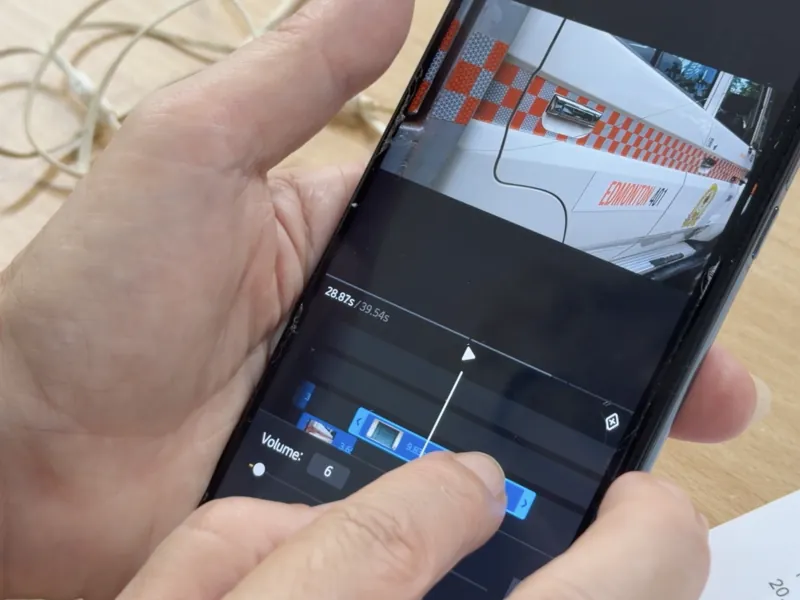
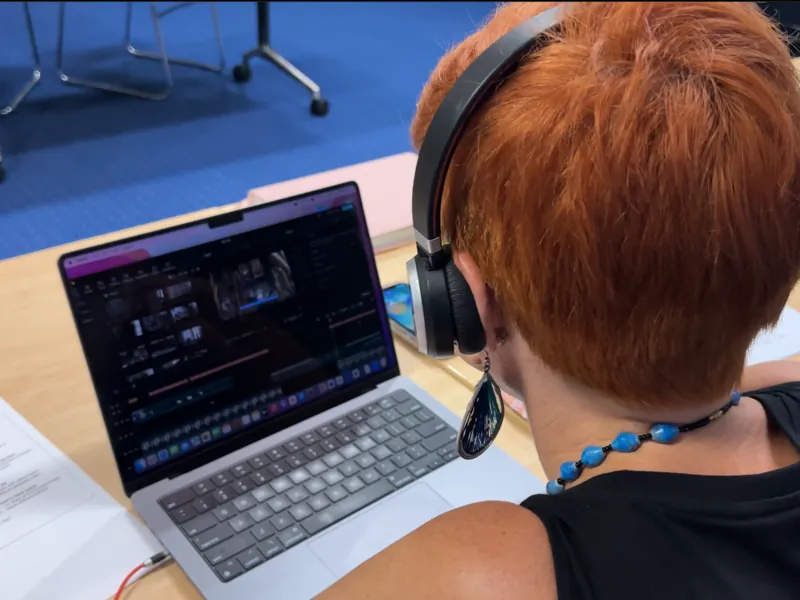
- Edit. Cutting for pace, captions for people watching on mute, music and titles. On your phone or on a computer, in free apps or paid ones.
- Publish. The right export for each platform, and a rhythm you can actually keep.
Where we teach
We are based in Cairns, Far North Queensland, and come to you on-site anywhere in Australia, regional and remote included. If travel does not suit, every course also runs live online. Recent courses have taken us to:
- Mount Isa
- Cloncurry
- Julia Creek
- Charters Towers
- Townsville
- Ayr
- Ingham
- Innisfail
- Pormpuraaw
- Atherton
- Mareeba
- Kuranda
- Rockhampton
- Ipswich
- Woolgoolga
- Darwin
- Katherine
- Tennant Creek
- Alice Springs
- Ross River
- Tilmouth Well
Who comes to these courses
Councils and government teams, libraries and community programs, land councils and ranger groups, emergency services volunteers, not-for-profits and small businesses. Anyone who needs to make video regularly and would rather do it themselves than outsource every one.
After the course
Ready to edit on a computer? The CapCut course (one day) and Adobe Premiere Pro Essentials (two days) go deeper on editing, with the same trainer.
Want someone beside you once the real work starts? Video Co-Pilot Mentoring runs through eMotion Video, Suzie's other business.
Ask about a smartphone video course
Tell us about your group, where you are and how much time you have. We will suggest a length that fits.